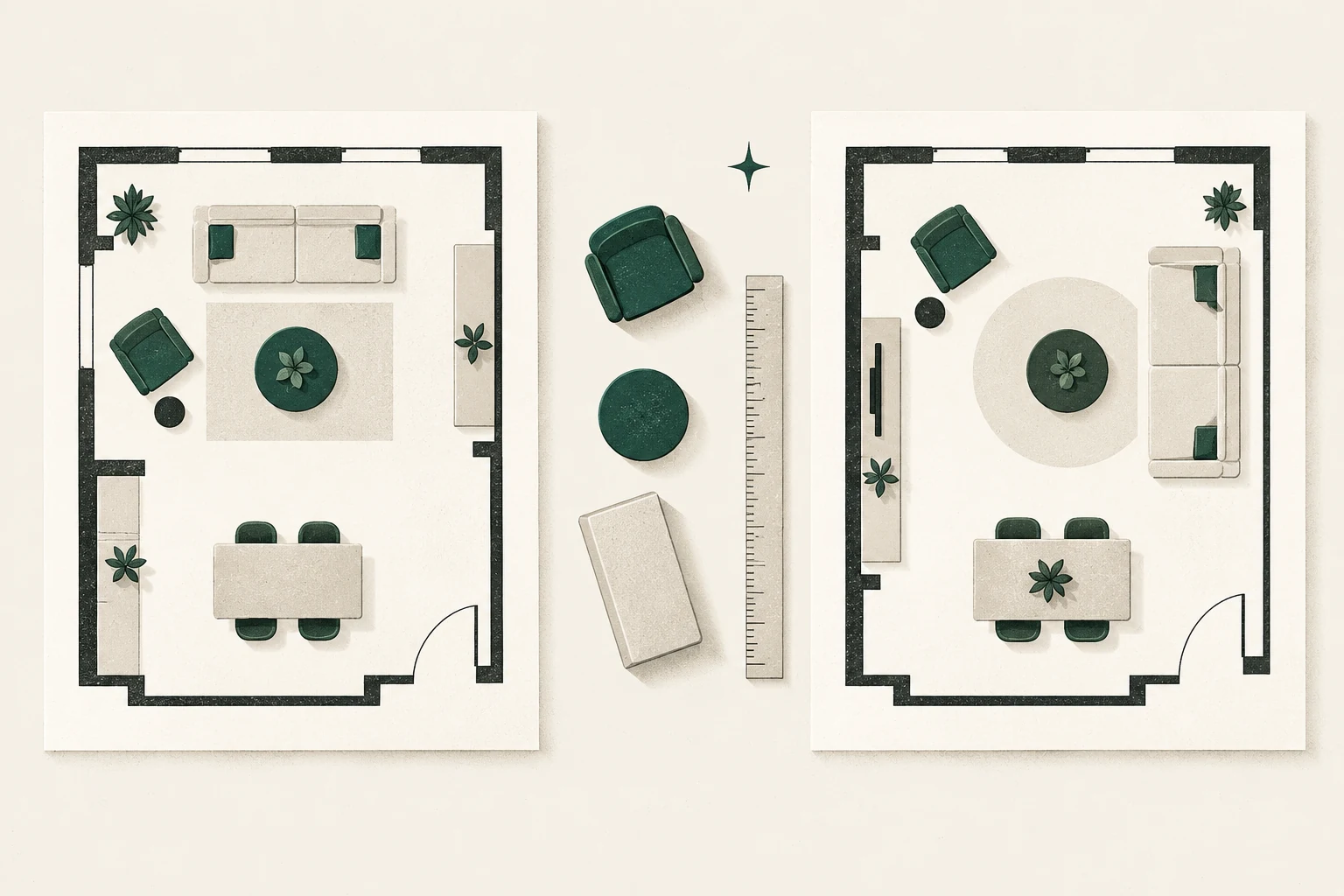
Quick decision: RoomSketcher is easier to price from public information and offers a documented pay-as-you-go route for individual outputs. PlanningWiz publicly describes a free account with five saved 2D/3D projects, but its current paid prices are not shown on the plan explainer and its official pages conflict about Free export. Neither tool is automatically “best.” The right choice depends on the output you need after drawing one measured living room.
Editorial and commercial note: This comparison is based on official product, pricing, help, privacy and terms pages checked October 16, 2026. Feng Shui Living Space has not used an account for either product and is not enrolled in either affiliate program. All vendor links are ordinary official links and earn no commission. Any future paid link will be labelled beside the recommendation.
Visit the official RoomSketcher or PlanningWiz site only after you have measured the room and named the output you need.
RoomSketcher vs PlanningWiz at a glance
| Decision point | RoomSketcher | PlanningWiz |
|---|---|---|
| Free entry | No-credit-card account; official pricing currently lists two starter Credits and basic drawing/visualization | No-credit-card Free account; official plan explainer says five saved 2D/3D floor projects |
| Public price clarity | Free, monthly and annual Pro/Team prices plus many output prices are publicly listed | Free/Grow/Pro capabilities are public, but the plan explainer reviewed did not show current dollar prices |
| Free output | Official pricing describes pay-as-you-go 2D/3D renders and a watermarked snapshot route | Official pages conflict: the subscription explainer says Free print/export/email is restricted, while an export guide describes low-resolution Free export |
| One-room use | Stronger documented path from free test to a separately priced output or project upgrade | Five Free projects may suit several layout variants if in-tool comparison is enough |
| Cloud and privacy | Projects are cloud-stored; review the vendor’s current privacy terms before uploading detail | Privacy policy says floor-plan records may be collected; simplify the plan and omit sensitive detail |
| Our evidence | Official documentation only; no hands-on interface test | Official documentation only; no hands-on interface test |
This is a feature-and-fit comparison, not a test of speed, ease, accuracy, accessibility or support. Those claims require controlled account use that we have not performed.
Compare the same living-room task
A fair comparison begins with one protocol. Otherwise, one tool may look better simply because it was given an easier job.
Use the same measurements and try to:
- draw the room shell, including doors, windows and fixed heat sources;
- place a sofa, two chairs, a table, storage and a television or alternate focal point;
- save the current layout and two alternatives;
- check door operation, the main walking route and conversation orientation;
- view the plan in both 2D and 3D;
- export or share the exact format another household member needs; and
- find the account, project and billing controls before entering sensitive information.
Start with the measurement and paper-plan method. Software cannot correct incomplete measurements, and a scaled paper plan may resolve the decision without an account.
What RoomSketcher currently documents
RoomSketcher’s public pricing page lists a $0 entry point, two starter Credits, drawing and visualization functions, and pay-as-you-go options. At the time of review, it displayed Pro at $24 per month or $144 billed annually, and Team at $70 per month or $420 billed annually, before applicable tax. Prices, currency and checkout terms can change, so verify the live page before paying.
The practical complication is Credits. RoomSketcher describes Credits as an internal currency used for projects and selected outputs. Its current help page says creating a project costs one Credit; a 3D Floor Plan or 3D Photo costs one; a 360 View costs five. Pro includes five monthly Credits and Team includes 20, with replenishment rules. The same feature may be included, paid in cash or paid in Credits depending on plan and whether the web portal or app is used.
For a single living room, this creates a useful but important discipline: count the project and output actions you expect, not just the subscription fee. The official pricing page currently lists individual 2D and 3D renders at $4 for Free users and a five-Credit refill at $20, while also offering a Premium single-project path for certain features.
RoomSketcher may fit when
- You want public prices before creating an account.
- You need one known output and prefer a pay-as-you-go option to an open-ended subscription.
- Print-to-scale, measurements, a broader library or repeated projects justify Pro after a free test.
- You are comfortable checking the Credit cost before regenerating outputs.
Pause before choosing RoomSketcher when
- A paper plan already answers the fit question.
- You want a single flat fee with no output or Credit distinctions.
- You need editable CAD files; do not assume an exported floor plan is a CAD deliverable.
- You do not want the project stored in a cloud service.
Read the fuller RoomSketcher review for the documented plan and privacy details.
What PlanningWiz currently documents
PlanningWiz’s official subscription explainer says the Free account requires no credit card and allows users to draw, decorate and save five projects in 2D and 3D. It describes Grow as adding unlimited projects and medium-resolution PDF, SVG and image output, while Pro adds blueprint-background upload, higher-resolution output and branding functions.
That makes the Free description appealing for comparing several arrangements inside the planner. However, two uncertainties prevent a paid-value recommendation.
First, the public subscription explainer reviewed did not display current prices for Grow or Pro. PlanningWiz’s terms refer to the fee shown at purchase and recurring billing, which means the checkout—not this article—must be treated as the current price record.
Second, official export guidance conflicts. The subscription explainer says Free printing, exporting and emailing are restricted. A separate PlanningWiz export guide has described VGA and SVGA export for logged-in Free users. Until the company confirms which rule applies to a new account, do not invest hours on the assumption that a Free project can be downloaded in the format you need.
PlanningWiz may fit when
- You want to compare multiple saved room variants inside a browser-based 2D/3D planner.
- Five Free projects cover the layouts you need.
- You can test or confirm export before committing significant time.
- You are willing to verify current paid pricing at checkout rather than from a public comparison table.
Pause before choosing PlanningWiz when
- A guaranteed free export is essential.
- You need a public paid price before opening an account.
- Blueprint-background upload is essential but you have not confirmed the current Pro price and renewal.
- You want a recommendation based on interface use; this comparison does not supply one.
The detailed PlanningWiz review records the official-page conflict, privacy considerations and partner-program publication condition.
Pricing and output: ask one question first
Before comparing subscriptions, write down the final artifact:
- an on-screen view for your own decision;
- a PDF to discuss with family;
- a print-to-scale plan;
- a high-resolution image;
- a 3D view; or
- a shareable interactive presentation.
If you need only an on-screen comparison, both free descriptions may be enough. If you need a downloadable plan, RoomSketcher publishes clearer current cash/Credit routes. PlanningWiz may still work, but Free export should be verified and paid prices should be recorded from checkout before purchase.
Do not compare “free” as a single feature. Compare whether the exact final artifact is free, watermarked, resolution-limited, separately charged or locked to a tier.
Privacy and floor-plan detail
A room plan can reveal more than furniture placement. It may show entrances, window locations, technology, accessibility equipment or a path through the home.
RoomSketcher states that projects are stored in the cloud. PlanningWiz’s privacy policy says it may collect a record of floor plans created through the site, and its terms grant a service-related licence over user content. Read the current policies in full before upload; policies and processing details can change.
For an ordinary furniture decision, minimize what you provide:
- draw only the room being planned;
- omit the street address and household names;
- leave out alarm, camera, key and access details;
- use generic labels; and
- delete unused tests according to the current account controls.
This is a privacy-minimization practice, not a claim that either service is insecure.
Which planner is better for feng shui decisions?
Neither program performs a feng shui assessment. A digital plan is useful because it lets you compare observable conditions before moving heavy furniture.
Use either tool to ask:
- Can the primary seat see the entry without blocking it?
- Does the main route pass around, rather than through, the conversation area?
- Are doors, windows, heaters and fireplace clearances respected?
- Can people face one another without every seat being organized around a screen?
- Does the proposed rug or table create a trip or reach problem?
- Which compromise best supports this household’s actual activities?
These questions align with the grounded feng shui living-room layout guide. A planner visualizes alternatives; it does not guarantee harmony, health, wealth or relationship outcomes.
Our recommendation by situation
Choose paper first when
You need to test only two or three furniture arrangements and already have accurate measurements. Paper is private, free and easy to revise with cut-out furniture shapes.
Start with RoomSketcher when
You want the more transparent public pricing path, expect to buy one defined output, or can justify Pro functions across several rooms. Create the minimum test project and confirm the Credit consequences before generating variants.
Consider PlanningWiz when
Five in-tool Free projects are useful and you do not initially need a guaranteed export. Confirm the current Free export entitlement, checkout price and renewal before treating Grow or Pro as a value choice.
Use professional help when
The plan informs construction, electrical work, fireplace or heater changes, accessibility work, built-ins or code-sensitive clearances. Consumer room planners are communication and comparison tools, not construction documents.
Affiliate status and future updates
This page currently has no affiliate links. RoomSketcher publishes an affiliate offer, but Feng Shui Living Space is not enrolled. PlanningWiz publishes a Partner Program whose current terms include approval and a consent requirement for partner materials that reference the company. If the site later joins either program, the commercial relationship, link attributes and any necessary PlanningWiz approval must be documented before tracked links are activated.
That future commercial step will not change the comparison standard: current official evidence, the same room task, clear limitations and no universal winner.
Final decision
For a reader who needs current pricing clarity, RoomSketcher has the stronger documented advantage. For someone who wants to keep several layout variants inside a free browser tool, PlanningWiz’s five-project description is worth investigating. The deciding question is not which logo is better known; it is whether the tool can produce your required output, at a verified total cost, without asking for more room detail than the task requires.
Measure first, test the free path, and pay only when you can name the specific result the payment unlocks.
Sources and research boundary
Product facts were checked against RoomSketcher’s official pricing, online product sheet, Credits help and privacy pages, plus PlanningWiz’s official subscription, export, privacy, terms and Partner Program pages on October 16, 2026. Vendor documentation can change. This article does not make claims about hands-on usability, performance, output accuracy, customer support or cancellation experience.