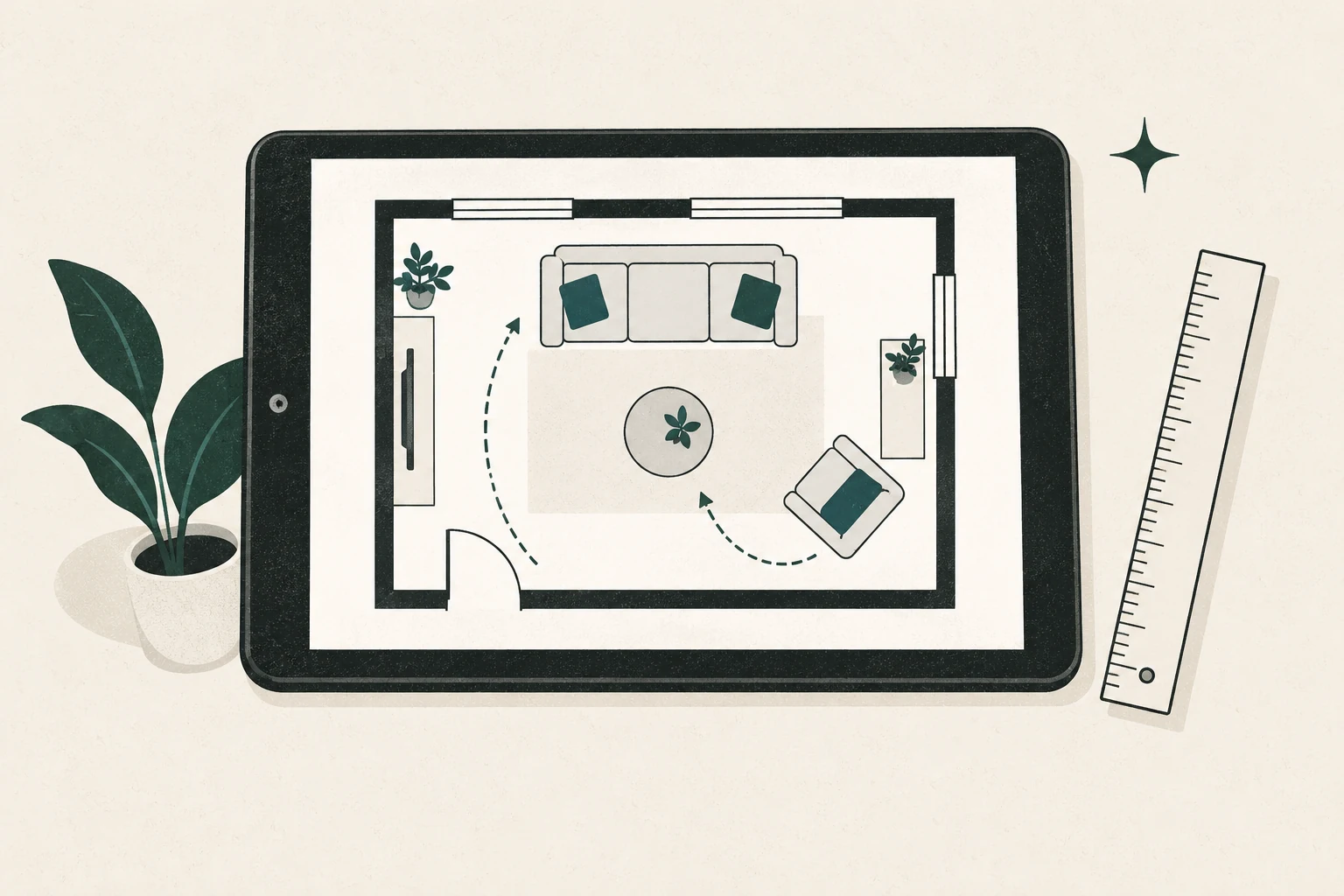
Research-based verdict: RoomSketcher appears well suited to a homeowner who wants to draw a measured living room, compare furniture arrangements, and inspect selected 2D or 3D outputs. The free account is the sensible first step. A Pro subscription is harder to justify for one room unless you need repeated high-quality output, the complete library, print-to-scale functions, or ongoing projects. Its Credits system means you should price the workflow, not only the subscription.
Editorial and commercial note: This guide is based on current official product, pricing, help, affiliate, and privacy pages checked October 15, 2026. Feng Shui Living Space has not used a RoomSketcher account, so the guide does not judge interface ease, speed, accuracy, or support. We are not enrolled in the affiliate program; every link is an ordinary official link and earns no commission. Any future paid link will be identified beside the recommendation.
Visit the official RoomSketcher site or begin with the practical fit questions below.
The short version
RoomSketcher has a promising feature match for living-room planning: measured walls and openings, furniture placement, 3D snapshots, and output options. The main friction is commercial complexity. A project, a generated floor plan, a 3D view, and a shareable presentation are not necessarily one flat-priced action. Subscriptions and Credits interact.
For one room, start by measuring and drawing on paper. Then use the free account only if a digital preview answers a remaining question. Pay after you can name the exact output or feature you need.
Likely fit
- You want to compare more than two or three furniture layouts.
- Accurate wall, door, window, and furniture dimensions matter.
- A 3D snapshot would help another household member understand the plan.
- You expect to plan several rooms or revisit the project.
- You need polished 2D output or print-to-scale features and have confirmed the current entitlement.
Probably more than you need
- You only need to see whether one sofa and two chairs fit.
- A scaled paper plan already resolves the decision.
- You want a conventional CAD file for editing elsewhere; RoomSketcher’s help centre says downloaded floor plans are not editable CAD files.
- You do not want cloud-stored projects.
- You prefer a price with no separate Credit decisions.
What RoomSketcher says the free account includes
The official Free subscription page currently states that a free account requires no credit card and has no time limit. It includes the computer and tablet app, up to two projects, measured drawing for walls, windows, doors, and furniture, a large but not complete furniture/material selection, and 3D Snapshots.
The free offer is not the same as unlimited finished output. The official page says generating 2D or 3D Floor Plans can require an in-app purchase before printing or downloading. The pricing comparison also distinguishes included features from those that consume Credits or require payment.
That is still enough to test the core planning question: can you accurately reproduce your living room and create two viable arrangements?
Current price and Credit model
As displayed on October 15, 2026, official US-dollar pricing before tax was:
| Plan | Displayed price | Relevant official inclusions | Practical reading |
|---|---|---|---|
| Free | $0 | Starting Credits, limited projects, basic drawing, selected 2D/3D and snapshot functions | Test the measured workflow before paying |
| Pro monthly | $24/month | Five monthly Credits, full furniture library, measurements/area, selected 2D/3D and professional functions | Flexible, but expensive if kept for a one-room task |
| Pro annual | $144/year | Same subscription family, billed annually | Lower monthly equivalent only if a year is useful |
| Team monthly | $70/month | Five users and 20 monthly Credits | Not aimed at a typical one-room homeowner |
| Team annual | $420/year | Team functions billed annually | High-volume or collaborative use |
Prices can vary by location, tax, checkout currency, and later updates. Confirm the live pricing page immediately before buying.
Why Credits matter
RoomSketcher describes Credits as its internal currency for projects and outputs. Its help centre says Pro receives five monthly Credits and Team receives 20, replenished to the plan’s monthly level on the first of the month. Creating a project and generating selected 3D products can deduct Credits; additional refills are sold separately.
The editorial implication is straightforward: list the actions you intend to complete and check their current Credit cost before subscribing. A plan marketed at a monthly price can still create a second purchase decision if you exceed included Credits or choose an output outside the allowance.
This is not automatically poor value. It is simply less transparent than “all features for one fee,” especially for a first-time user.
The living-room workflow we would test
This article does not claim that the workflow below has been performed. A future product test should use one fixed task and retain written notes:
- Enter a measured rectangular or mildly irregular living room.
- Place two doors, one window, and one fixed feature such as a fireplace or radiator.
- Add a sofa, two chairs, a coffee table, storage, and a TV or alternative focal point using measured footprints.
- Save an existing arrangement and two alternatives.
- Compare the main route, the main seat’s view of the entry, conversation distance, and screen/fireplace sightlines.
- Generate only the outputs included at the tested level.
- Export or share the result, then verify what a recipient can see.
- Record time, mistakes, correction steps, Credit use, and cancellation/deletion behaviour.
Until that test exists, vendor-supported capability is evidence of availability, not evidence that the workflow is effortless.
Criterion-by-criterion assessment
| Criterion | Verified official evidence | What it means for one living room |
|---|---|---|
| Measured shell | Official Free page describes measurements for walls, openings, and furniture | Strong paper-to-digital fit if input is accurate |
| Furniture comparison | App includes furniture and material items; Free library is limited | Enough to use approximate or adjusted footprints, but catalogue fit is untested |
| 3D preview | Free page includes 3D Snapshots | Useful for massing and sightlines, not proof of real light or comfort |
| Plan outputs | 2D/3D output availability varies by plan, purchase, and Credits | Check the exact output before paying |
| Blueprint input | Official help documents manual trace and an AI Convert route | Convenient if you already have a plan, but verify its scale and remove sensitive detail |
| Sharing | Official help describes project presentations and selected share options | Review visibility settings before sending a link |
| CAD interoperability | Help centre says downloads are not editable CAD files | Unsuitable if a downstream CAD workflow is required |
How it fits a feng shui living room process
RoomSketcher can provide the measured plan; it cannot determine whether a layout is supportive for your household. Use it to make the following comparisons visible:
- Entry route: does movement cut through the centre of the seating group?
- Command position: can the main seat see the entrance without sitting directly in its path, where the room allows?
- Support: does the principal seating feel visually and physically anchored, or would a console, lower storage piece, or different angle help?
- Conversation: do seats acknowledge one another, or does every chair face only the screen?
- Competing focal points: can the TV, fireplace, window, and artwork coexist without one arrangement creating awkward neck turns or blocked access?
These are observations and practitioner-informed questions, not promises about wealth, relationships, or health. The living room layout guide provides the broader context.
Privacy and sharing considerations
RoomSketcher’s product material says projects are stored in the cloud. The company’s privacy policy describes account and technical-data processing, while help documentation explains that some project presentations can be shared through a link.
Use a simplified room plan for testing. Exclude the street address, alarm positions, access details, security cameras, unrelated rooms, and personal names. Before sharing, open the link in a private browser window and verify exactly what the recipient can see. Read the current privacy policy and deletion process rather than assuming a downloaded image removes the cloud copy.
Commercial status: no affiliate link is active
RoomSketcher currently advertises 30% of a referred subscriber’s first payment, a 90-day last-click window, no payout minimum, and management through Impact. That is a one-time commission structure. Feng Shui Living Space is not enrolled, and this page contains no tracked link.
Affiliate activation is a separate future gate: enrollment must be accepted, the real tracked URL must be recorded, and a nearby commission disclosure and appropriate link attributes must be added. Activation must not change the paper-first recommendation, the Credit warning, or who should skip the product.
Alternatives before you pay
Scaled paper plan
Our measure-and-draw guide shows how to create the same room shell and movable furniture pieces with no account. For fit and circulation, it may be all you need.
PlanningWiz
PlanningWiz presents a browser-based 2D/3D workflow and a free account with five saved projects. Its public pricing and Free export documentation need clarification, and any dedicated endorsement is currently held behind a partner-term consent requirement. Read the PlanningWiz research review for the unresolved points.
For a side-by-side decision using one repeatable living-room task, see RoomSketcher vs PlanningWiz.
Generic browser planners
Another browser planner may be a better choice when the decision is temporary and a low-friction free export matters more than polished presentation. Test it with the same measured room, the same furniture footprints, and the same two route options. Confirm that its privacy terms, saving limits, and output rights match your use before entering detailed household information.
A professional measure or plan
If the decision affects built-ins, construction, fireplace clearances, accessibility, or a custom order with little tolerance, use an appropriately qualified professional. Consumer room-planning software is not a substitute for code, structural, electrical, fire-safety, or accessibility advice.
Final recommendation
Try RoomSketcher Free only after you have a verified measurement sheet and a clear question for the digital plan. If the measured drawing and 3D snapshot help you choose between real arrangements, the tool has done useful work. Upgrade only when you can point to a Pro-only output or repeated workload that justifies both subscription and Credit mechanics.
For one ordinary living room, paper remains the baseline—not the inferior option.
Frequently asked questions
Is RoomSketcher free?
RoomSketcher offers a $0 Free subscription with no credit card required, but projects, finished outputs, and advanced features have limits or separate costs. Verify the live comparison before beginning a detailed project.
Is RoomSketcher Pro worth it for one room?
Possibly, if you need a specific Pro output, print-to-scale function, full catalogue, or ongoing revisions. It is difficult to justify if a paper plan or free snapshot resolves the decision.
Can RoomSketcher tell me the best feng shui arrangement?
No. It can represent dimensions and layouts. The interpretation still depends on the room, household use, safety, and the feng shui approach being applied.
Did Feng Shui Living Space use a RoomSketcher account for this guide?
No. This edition uses official documentation and makes no first-person claims about interface performance, accuracy, or support.