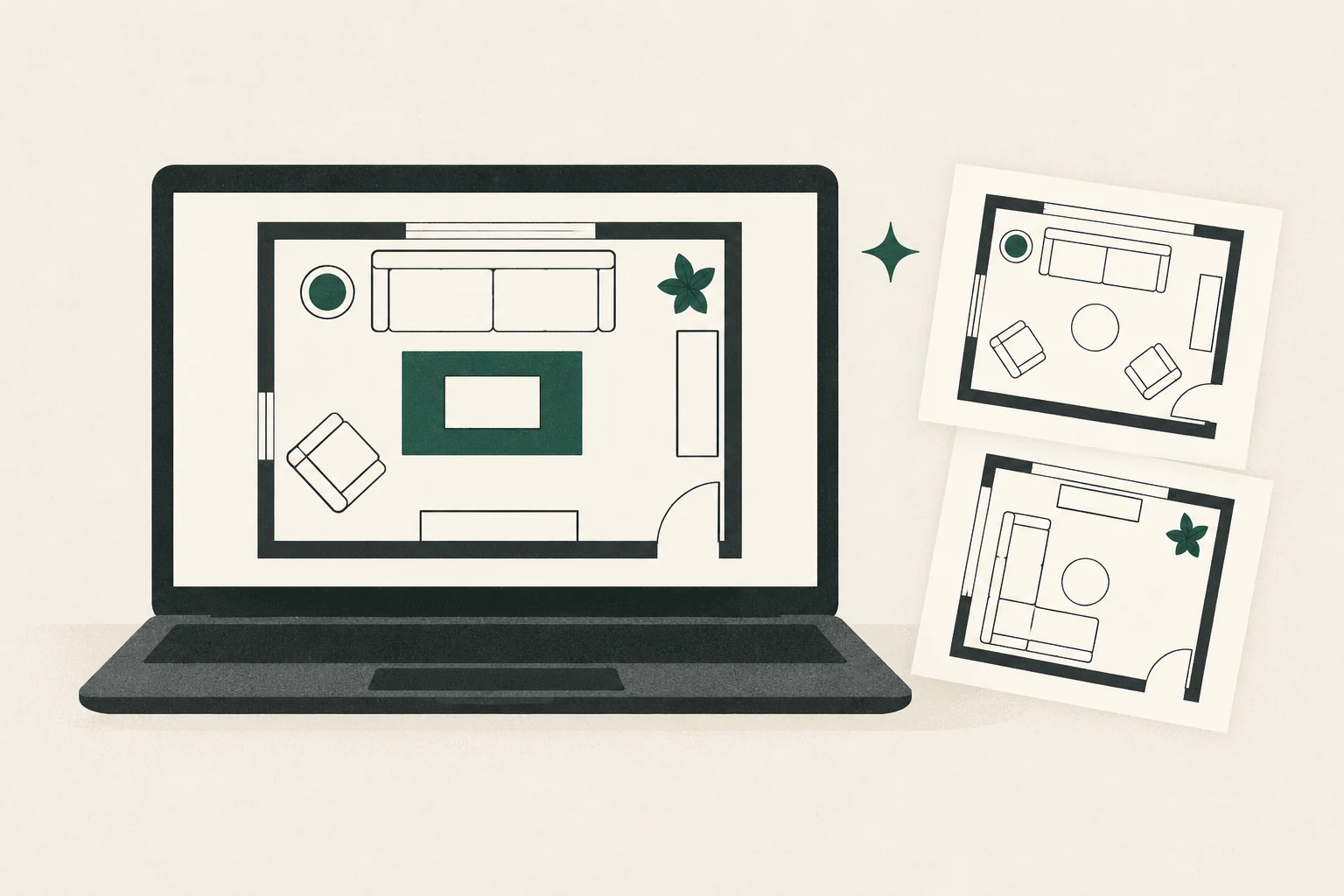
Documentation-based assessment: PlanningWiz’s official materials describe the core pieces of a one-room planner: measured drawing, furniture placement, 2D and 3D views, and saved projects. This article does not make a paid-tier recommendation. Current public dollar prices were not displayed on the subscription explainer, and two official help pages conflict about Free export access.
Editorial and commercial note: This independent guide uses official PlanningWiz product, help, legal, privacy, and partner pages checked October 15, 2026. Feng Shui Living Space has not used a PlanningWiz account and is not enrolled in its Partner Program. The official links are ordinary links and earn no commission. This non-affiliate article can publish independently; affiliate activation remains blocked pending current pricing, terms review, and any written consent required after enrollment.
The official PlanningWiz site is the primary source for the product details discussed below.
The short version
PlanningWiz’s official subscription page says a Free account can draw, decorate, and save five 2D and 3D projects with no credit card. That documented capacity could cover one living room and several layout directions, but this guide does not claim how the current interface performs.
The uncertainty begins when you want to take the plan out of the tool. The subscription page says printing, exporting, and emailing are restricted for Free users. A separate official export guide says logged-in Free users can export at VGA and SVGA resolutions. Because both pages were available when this review was prepared, do not rely on Free export until PlanningWiz confirms which description governs.
Plausible fit
- You want a browser-based 2D and 3D planning workspace.
- Five saved projects are enough to test a room and variants.
- You are comfortable checking plan and export entitlements before investing time.
- You want to compare furniture positions rather than produce a construction document.
- You can avoid uploading security-sensitive plan detail.
Wait or choose another method
- You need a guaranteed free export.
- You need a known paid price before creating an account.
- You require a blueprint background but have not confirmed the Pro price.
- You need an interface-performance recommendation based on account use; this guide does not provide one.
- You are publishing as a PlanningWiz partner but do not have written consent for the article.
What the official plan explainer says
The official subscription article describes three levels:
| Plan | Verified public description | Important limit or unknown |
|---|---|---|
| Free | Draw, decorate, and save five floor projects in 2D and 3D; no credit card stated | Subscription page calls print, export, and email restricted; separate export page suggests low-resolution export |
| Grow | Unlimited projects, printing, email, medium-resolution PDF/SVG/image output, and a floor-design-service discount | Current dollar price was not displayed on the public explainer we reviewed |
| Pro | Grow features plus blueprint-background upload, higher-resolution output, and branding/text functions | Current dollar price was not displayed; professional features may exceed one-room needs |
PlanningWiz’s terms say paid accounts are charged at the then-current fee monthly and can be used through the end of the term after cancellation. The terms also describe a 14-day refund route. Those are legal terms, not substitutes for an upfront price. Verify all amounts and renewal details in the checkout shown to you.
The Free export contradiction
This issue matters because “Can I save a usable copy?” is a basic one-room question.
The subscription explainer says Free floor plans can be manipulated inside the planner while printing, exporting, and emailing are restricted. The official export guide says export is available to logged-in users and lists Free VGA (640 × 480) and SVGA (800 × 600) options, with higher resolutions assigned to Grow and Pro.
Possible explanations include a recent feature change, an incomplete update, or a distinction that the public pages do not make clear. We do not choose the more favourable interpretation. Before relying on export:
- Check the live account interface.
- Ask PlanningWiz support which formats and resolutions a new Free account may download.
- Record the response and date.
- Test export before drawing a plan you cannot easily recreate.
The living-room task we would test
This workflow has not been performed. It is the fixed protocol for any future product-test revision:
- Build a measured living-room shell in both imperial and metric display modes where supported.
- Add two openings, a window, and a fixed fireplace or radiator.
- Place a sofa, two chairs, a coffee table, storage, and a screen or alternative focal point.
- Save the present arrangement and two variants without overwriting them.
- Check the entry route, door operation, conversation grouping, and main sightlines.
- Switch between 2D and 3D and record any mismatch or correction step.
- Try the allowed Free output, then document exactly what Grow or Pro would unlock.
- Review plan deletion, account deletion, sharing visibility, and cancellation.
Until this is done, vendor claims show what should be possible—not how reliable, fast, accessible, or intuitive it feels in use.
Criterion-by-criterion assessment
| Criterion | Verified official evidence | Editorial implication |
|---|---|---|
| Room shell and furniture | Subscription page says Free users can fully draw and decorate projects in 2D and 3D | Suitable on paper; accuracy still depends on measurements and interface behaviour |
| Saved variants | Five Free projects; unlimited projects on paid tiers | Free capacity should cover several one-room directions |
| Units | Knowledge base documents switching between feet and metres | Useful for different readers; conversion accuracy remains untested by us |
| Exports | Official pages describe formats and plan-dependent output but conflict about Free access | No Free export entitlement is asserted in this article |
| Blueprint background | Official subscription page assigns background-plan upload to Pro | Do not choose Pro without checking the current price |
| Sharing | Grow/Pro descriptions include stronger email/print/export functions | Confirm what a recipient can access and for how long |
| Current price | Not displayed on the public subscription explainer reviewed | Hard blocker for a paid-value verdict |
How PlanningWiz could support a feng shui layout review
The planner can provide a measured surface for comparison. It cannot certify “good feng shui.” Use candidate layouts to ask grounded questions:
- Does the main route pass through the seating group or around it?
- Can the primary seat see the entry without blocking it?
- Is the sofa supported by a wall or a deliberate furniture zone, where feasible?
- Can people face one another without every chair serving the screen?
- Do the fireplace, TV, windows, and artwork create competing orientations?
- Is there enough real clearance for the household’s mobility and everyday activities?
These questions connect contemporary room use with common feng shui observations. They do not predict health, money, or relationships. See the feng shui living room layout guide for context and the measuring guide before entering a plan.
Privacy and content rights need a deliberate choice
PlanningWiz’s privacy policy says the service may collect a record of floor plans created through the site and that personal data is processed and stored within the EU. Its terms of use say users keep ownership of their content while granting PlanningWiz a service-related licence to host, store, reproduce, modify, create derivative works from, communicate, and publish that content; the described licence ends after an email request, with an exception for content shared with others and not deleted by them.
Those clauses deserve a fresh reading in their original context before upload. For an ordinary furniture test, do not include an address, access instructions, alarm or camera positions, confidential labels, unrelated rooms, or identifiable household information. A simplified living-room shell should be enough.
Affiliate activation is separate and currently blocked
Feng Shui Living Space is not a PlanningWiz partner, and this article contains no paid or tracked link. The current partner terms say the agreement begins upon application approval. Section 17 then requires a partner to submit written or electronic material that references PlanningWiz and receive written consent before creating, publishing, or distributing it.
That condition does not turn this independent, non-affiliate article into partner content. It does create a separate activation workflow if the site later joins:
- Recheck the current partner terms and clarify how independent pre-existing editorial coverage is treated after enrollment.
- Obtain written consent for the dedicated article if required.
- Retain the approval record.
- Use only brand assets and link formats PlanningWiz authorizes.
- Keep the right to correct factual errors and disclose the commercial relationship.
Until those steps are complete, do not add an affiliate link, PlanningWiz logo, vendor screenshot, or claim that the page is partner-approved. The current illustration is generic editorial art, not a product screenshot.
Alternatives before a paid plan
Paper plan
A scaled paper plan with movable furniture footprints is private, free, and sufficient for most fit and circulation questions. Follow the no-account floor plan workflow.
RoomSketcher Free
RoomSketcher’s Free documentation describes measured drawing, up to two projects, and 3D snapshots, with separate limits and costs for some finished outputs. Its pricing and Credit model is more publicly documented, though still layered. Read our RoomSketcher research review.
For a criterion-by-criterion decision using the same room task, see RoomSketcher vs PlanningWiz.
Professional plan
If the project affects construction, a fireplace or heater, electrical work, accessibility, a built-in, or custom furniture, use an appropriately qualified professional. A consumer planner is a decision aid, not a construction or safety document.
Final recommendation
PlanningWiz is a candidate to compare, not a purchase recommendation from this article. Its official description covers the basic planning task, but paid value and Free export remain unresolved. Confirm the checkout price, renewal, exact output entitlement, and any required blueprint feature directly before choosing a plan.
This article is ready to publish as non-affiliate editorial. A product account record, current price record, resolution of the Free export conflict, and written clarification of the partner publicity clause remain gates only for stronger performance claims or affiliate activation.
Frequently asked questions
Is PlanningWiz free?
The official subscription page says a free account can draw, decorate, and save five 2D/3D projects without a credit card. Output limits are unclear because official export and subscription pages conflict.
How much do PlanningWiz Grow and Pro cost?
The public subscription explainer reviewed on October 15, 2026 did not display current dollar prices. Verify the amount, currency, tax, renewal, and cancellation terms at checkout before subscribing.
Can a free account export a plan?
PlanningWiz’s official pages currently disagree. The export guide lists low-resolution Free output, while the subscription page describes Free export, printing, and email as restricted. Ask support and test before depending on it.
Did Feng Shui Living Space use a PlanningWiz account for this guide?
No. This is a documentation-based evaluation and makes no first-person claims about interface performance, accuracy, or support.
Can this guide publish before affiliate enrollment?
Yes. It can publish as ordinary non-affiliate editorial because Feng Shui Living Space is not enrolled and no paid link is present. If the site later joins, affiliate activation remains blocked until the current terms, pricing, link, disclosure, and written-consent requirements are resolved.